
ZAP Zeon Academy Pro
Product Academy

Learn how to use ZAP — by role and by task.

Short guides for school owners, accountants, administrators, teachers, parents and students. Useful for demos and day-to-day adoption.

Academics & Results

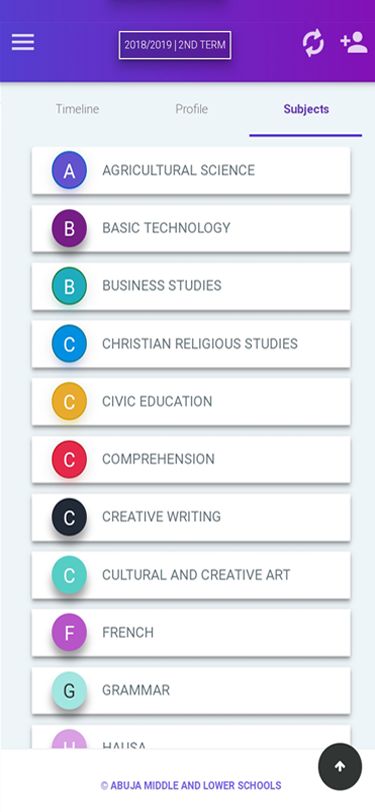
How to manage student results

Enter assessments, apply grading and compile report cards for the term.

Teacher Administrator School Owner
  1. Set up assessments for the term (CA and exams as required).
  2. Enter scores for each subject and class.
  3. Apply grading rules and compile results.
  4. Generate broadsheets or report cards and share with parents.
Screenshot needed

How to manage student results

Provide score entry or result compilation screenshot (≈1280×720).
Attendance & Security

How to manage attendance

Mark daily presence and review attendance for follow-up with parents.

Teacher Administrator School Owner
  1. Open attendance for the class or school day.
  2. Mark students present, absent or late.
  3. Review attendance summaries for patterns.
  4. Follow up with parents using school communication tools where needed.
Screenshot needed

How to manage attendance

Provide class attendance screen from ZAP (≈1280×720).

E-Learning

How students access learning materials

Find topics, complete activities and take assessments digitally.

Student Teacher
  1. Sign in on web or mobile as a student.
  2. Open the relevant subject topic.
  3. Download or view study materials attached to the topic.
  4. Complete class activities and assessments as assigned.

Need a guided walkthrough?

Book a demo and we will show the workflows your team will use most.